Digital systems built for the DAY2DAY

Custom apps and tools.Built for your business.

D2D Digital gives small businesses the connected websites, customer tools, visibility systems, and operating infrastructure larger companies rely on—sized to fit the way your business actually works.

d2d.system / capabilitieslive
>

build --for="real people" --goal="useful"

4layers
01

Strategy

02

Experience

03

Technology

04

Iteration

D2D / DIGITAL / 2026

Where Digital fits

The build stage of a connected business journey.

D2D Digital is its own specialist practice, but it works best when the business has a clear story to express and a clear operating goal to support.

What we build

Digital work should do something.

Every engagement connects the brand people see to the experience they actually use—then makes that experience easier to manage and improve.

01

Custom business apps

Purpose-built apps shaped around your sales process, operations, customer experience, and the work your team repeats every day.

StrategyUXDevelopment
02

AI-assisted tools

Quote builders, presentation systems, and guided content tools that combine your business rules with useful AI assistance.

Product thinkingAutomationUtility
03

Connected systems

Practical workflows that reduce duplicate work and connect the public experience to the team behind it.

IntegrationsCMSOperations
04

Search & growth

SEO, AI-search readiness, social distribution, measurement, and ongoing refinement working as one growth system.

SEOAI visibilitySocial

The D2D Digital toolkit

More than websites. A system-building practice.

The work ranges from a single useful tool to a connected customer platform. Each system is shaped around the audience, the decision, and the day-to-day work it needs to support.

01

Customer experience

Useful, branded experiences that help customers understand, choose, buy, and stay connected.

Customer portals

Secure, role-aware access to account information, resources, pricing, and services.

Customer quoting systems

Guided configuration, pricing, options, approvals, and proposal-ready outputs.

AI-powered questionnaires

Structured discovery that adapts follow-up questions and turns answers into useful direction.

Interactive tools & demonstrators

Calculators, visualizers, diagnostics, and product demos that make expertise tangible.

3D & AR experiences

Interactive product imagery and spatial demonstrations for more confident decisions.

eCommerce & payments

Product, checkout, payment, and order experiences connected to the larger customer journey.

02

Business operations

Systems that give teams a single place to manage work, information, access, and performance.

Project status portals

Progress, schedules, photos, documents, risks, and stakeholder updates in one clear view.

File repositories & sharing

Secure asset libraries with permissions, review status, expiring links, and version control.

Content & site management

Client-friendly tools for structured content, media, previews, and controlled publishing.

Access & administration

Account, organization, user, role, and service-access management across connected products.

Dashboards & reporting

Decision-ready reporting that turns business data into priorities, trends, and action.

03

Collaboration & growth

Connected workflows that move work from intake to review, delivery, and measurable follow-through.

Review & approval workflows

Page-level notes, visual markup, scored reviews, approvals, and accountable handoffs.

CRM, email & automation

Lead capture, notifications, follow-up, consent-aware tracking, and operational handoffs.

SEO & AI-search optimization

Technical foundations, local and entity signals, structured content, useful answers, measurement, and continual improvement.

Social media engine

Strategy, campaign calendars, content creation, asset approval, scheduling, distribution, and performance feedback.

Documents & generated outputs

Branded proposals, PDFs, price lists, reports, and customer-ready exports built from live data.

Small-business growth system

The tools of a large company. Built around the way you actually work.

Small businesses should not have to assemble a maze of software or hire a department for every channel. D2D brings the right pieces together, explains how they support the business, and builds an implementation plan a real team can sustain.

Start focused. Connect the system. Grow with purpose.
Your businessOne connected growth systemD2D / CORE
01

Website & content

The owned foundation

02

SEO & local search

Be found with intent

03

AI discovery

Be understood in answers

04

Social media

Stay visible and useful

05

CRM & follow-up

Turn interest into action

06

Measurement

Know what to improve

A robust, understandable process

From scattered activity to a system that compounds.

01

Clarify the opportunity

Define the audience, offer, market, customer questions, search demand, and business outcome before choosing technology.

02

Build the foundation

Create the website structure, technical SEO, analytics, conversion paths, and connected business tools the work depends on.

03

Create authority

Develop useful pages, proof, local and entity signals, structured information, and direct answers people—and AI systems—can understand.

04

Run the social engine

Plan, create, review, schedule, and distribute consistent content that reinforces the brand and brings the right people back to owned channels.

05

Measure and improve

Review visibility, engagement, inquiries, conversion, and operating data; then turn what is learned into the next practical improvement.

What the system creates

Stronger visibility

Consistent communication

Better follow-up

Clearer decisions

Custom apps + tools

Build around the way your business works.

A spreadsheet, a repeated email, or a manual handoff can be the starting point for a better system. We define the users, business rules, information, and decisions first, then design an app that brings them together. The examples below are illustrative concepts showing what a tailored solution could include.

01 / Sales / pricing / proposals

Quote builders

Guide your team or customer through products, services, options, and quantities. Apply approved pricing rules, package choices, and discount permissions, then create a consistent proposal for review. Connect accepted quotes to your CRM or accounting workflow when that integration is part of the scope.

A repeatable path from conversation to proposal.
ILLUSTRATIVE WORKFLOW

Quote builders

  1. Choose a service
  2. Compare package options
  3. Review and approve the quote
Designed around your business rules

02 / Templates / AI imagery / brand control

Presentation template systems

Turn approved slide layouts, messages, and brand assets into a reusable presentation system. Start with an audience and a brief, assemble the right sections, and use AI to generate supporting imagery from an approved visual direction. Your team reviews images, facts, and the finished story before exporting or sharing.

More consistent presentations with less rebuilding.
ILLUSTRATIVE WORKFLOW

Presentation template systems

  1. Select audience + template
  2. Generate image concepts
  3. Review, refine, and export
Designed around your business rules

03 / Visibility / decisions / accountability

Business dashboards

Bring selected information from sales, marketing, finance, or operations into one useful view. Define what each metric means, who owns it, and how often it updates. Give leadership the overview and team members the detail they need, with filters, trends, and source context.

A shared view of the numbers that guide the next decision.
ILLUSTRATIVE WORKFLOW

Business dashboards

  1. Pipeline by stage
  2. Results against goals
  3. Last updated + source
Designed around your business rules

04 / Customers / collaboration / progress

Interactive customer portals

Give customers a branded place to follow project progress, review proposals, approve creative, upload documents, or find resources. Shape access around each customer and role, with clear statuses and a history of key actions. Connect the portal to the internal workflow so your team can keep the experience current.

A clearer customer experience from first approval to delivery.
ILLUSTRATIVE WORKFLOW

Interactive customer portals

  1. Project: in progress
  2. Proposal: ready for review
  3. Documents: available
Designed around your business rules

05 / Roofing example / service / follow-up

Customer weather alert systems

For a roofing business, a custom tool could compare customer service locations with official weather alerts and flag areas that may need follow-up. Build a workflow for reviewing the alert, contacting opted-in customers, and scheduling an inspection. Weather alerts indicate possible exposure; an inspection establishes roof condition.

Timely service communication tied to real customer locations.
ILLUSTRATIVE WORKFLOW

Customer weather alert systems

  1. Weather alert near a service address
  2. Team reviews affected locations
  3. Customer receives approved follow-up
Designed around your business rules

06 / Catalog / checkout / customer accounts

E-commerce sites + tools

Build a buying experience around your products and how customers order. Scope product options, bundles, subscriptions, account pricing, and repeat orders as needed. Connect payments, inventory, fulfillment, and customer communications to the platforms your business uses.

A storefront connected to the work behind every order.
ILLUSTRATIVE WORKFLOW

E-commerce sites + tools

  1. Find + configure a product
  2. Review cart + checkout
  3. Track or reorder
Designed around your business rules

From idea to everyday use

A full scope. A clear path.

Start with one valuable problem or plan a connected platform. The scope establishes what the tool will do, who can use it, what it connects to, and how it will be supported.

01

Discover + define

Map the current workflow, user roles, pain points, and desired outcome. Agree on features, priorities, data sources, integrations, and success measures before development.

02

Design + prototype

Create the screens, interactions, and customer journey. Review a working prototype with the people who will use it and refine the flow before building the full system.

03

Build + connect

Develop the app, business rules, and agreed integrations. Include permissions, validation, and review points. For AI features, define what the model can help create and what requires human approval.

04

Launch + support

Test the agreed workflows, prepare the team, and document how to manage the system. Define hosting, maintenance, ownership, support, and future enhancements in the engagement.

Premium websites

Distinctive design. The right level of control.

A premium website brings together brand, thoughtful content, responsive design, accessible interactions, and a clear customer journey. We plan how it will be managed alongside how it will look—so the finished site fits your team as well as your business.

Self-managed

Your team handles routine updates through agreed editing tools, reusable layouts, and training. Define which pages and fields are editable, with a process for previewing and approving changes.

Shared management

Your team updates everyday content while D2D supports design, larger changes, and technical upkeep under an agreed scope. Establish clear responsibilities and a practical review workflow.

Hands-off management

Send the approved information and requested changes to D2D. We handle the agreed content updates and ongoing site care, with defined review, turnaround, and support expectations.

The management plan defines hosting, backups, updates, support, third-party fees, and responsibility for content. Editing access and ongoing services depend on the selected platform and agreed engagement.

Start with D2D Marketing

The brand behind the build.

Brand development gives the app or website a clear voice and visual direction. D2D Marketing defines the audience, positioning, story, and messaging, then develops the logo system and guidelines your team can use across every touchpoint.

Explore brand documents, voice, and logo guidelines

Selected work / live + in production

Built to show the work—not just talk about it.

This collection brings live work and projects in production forward, showing the deeper capability each build proves—from content systems to customer platforms and operational tools.
alfordcustombuilders.com02
Alford Custom Builders website shown in a browser window

Custom homebuilder website

Alford Custom Builders

A dedicated website for Alford Custom Builders, presenting its approach to custom homes and giving prospective clients a direct inquiry path.
Builder identityResidential workClient inquiries
View live site
artisanslabs.com03
Artisan Lab Network website shown in a browser window

Network website + customer platform

Artisan Lab Network

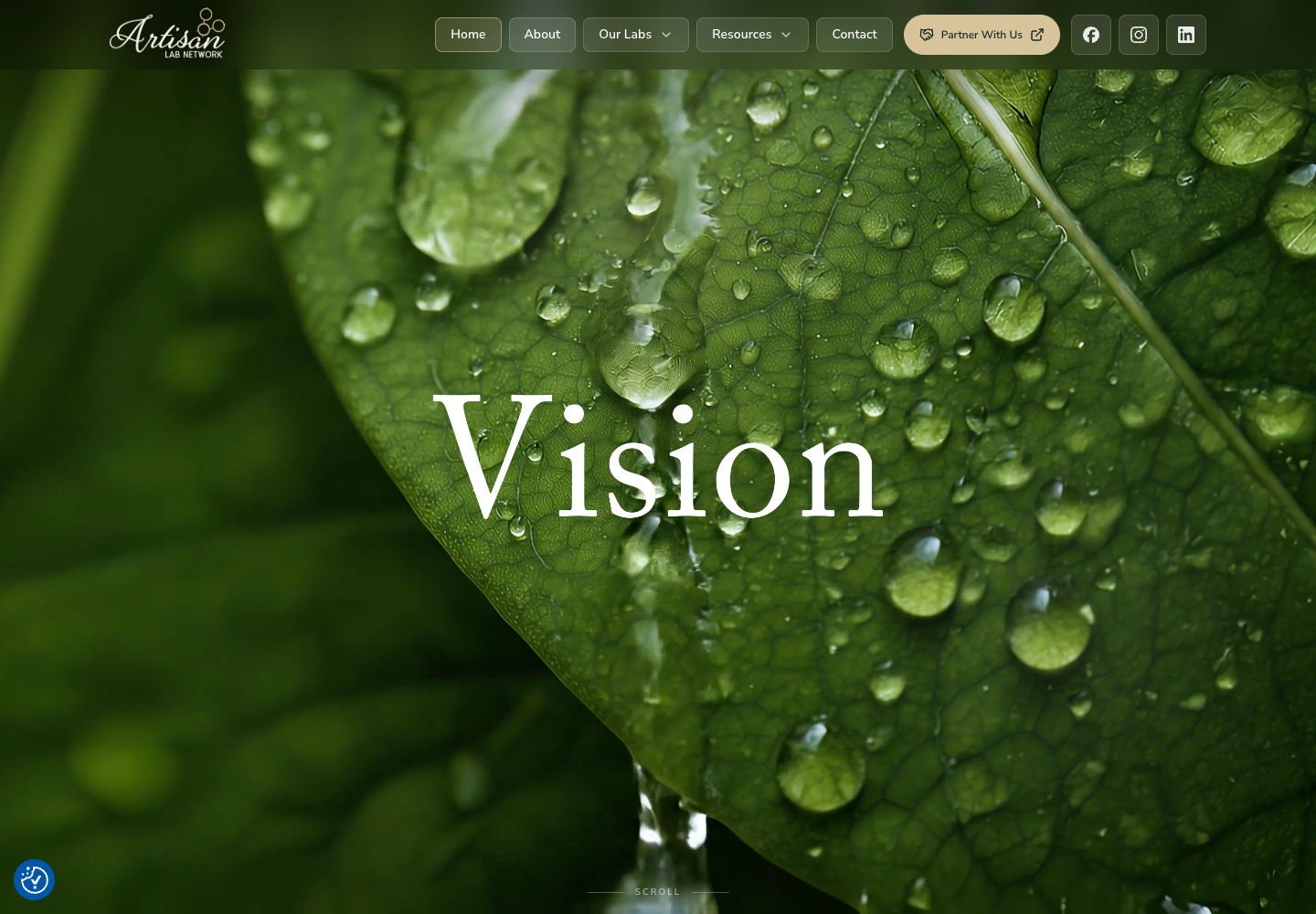
A multi-audience platform spanning the public network, secure customer access, custom pricing, account reporting, and optical tools.
Customer portalQuotingData tools
View live site
phoenix-builds.com04
Phoenix Builds website shown in a browser window

Builder website + project portal

Phoenix Builds

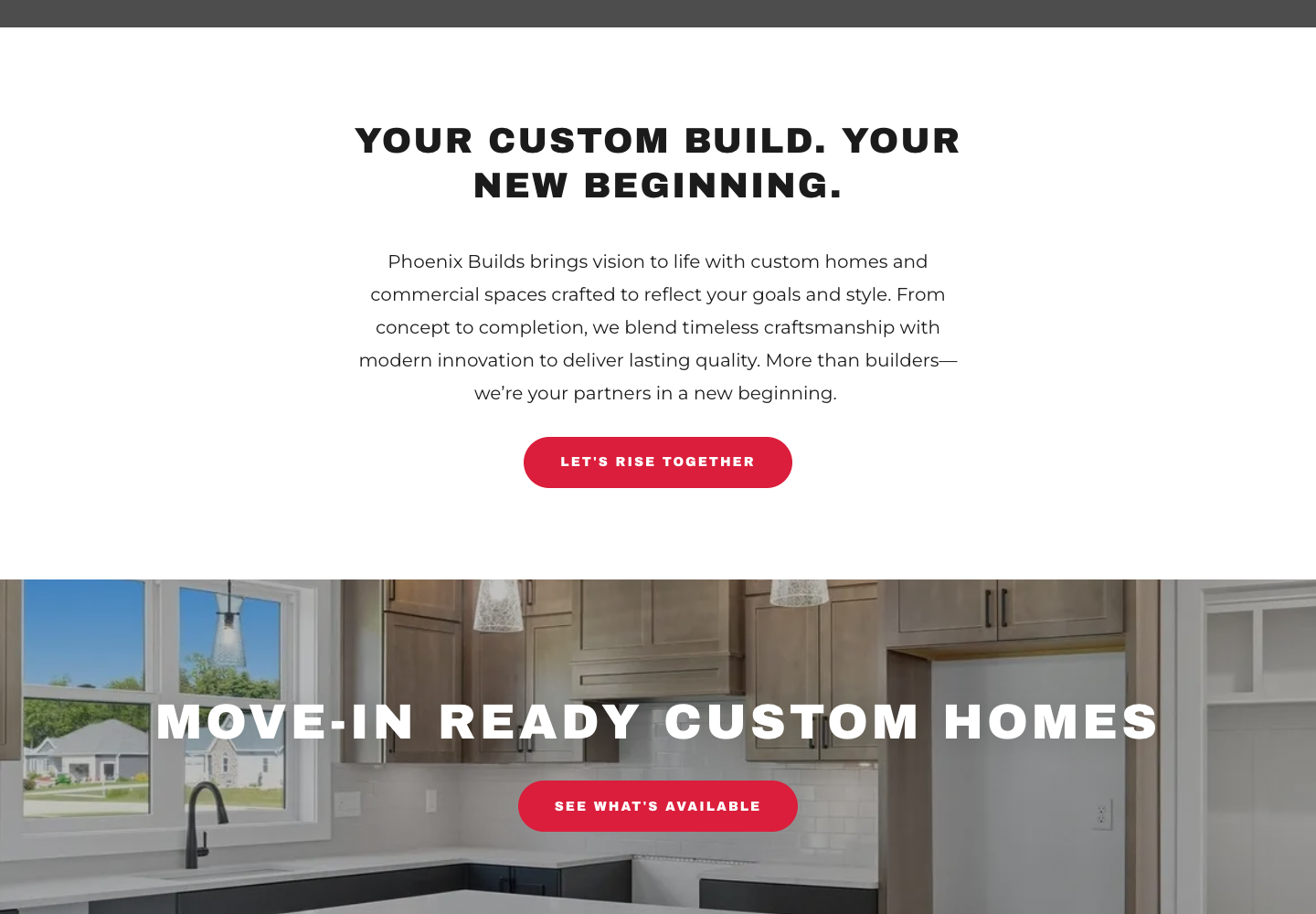
A visual commercial-builder experience paired with an interactive owner portal for progress, schedule, photos, documents, and updates.
Project statusVisual reportingStakeholder views
View live site
roofingontop.com05
Roofing on Top website shown in a browser window

Roofing + exteriors website

Roofing on Top

A local-service website that brings roofing and exterior services, project examples, and assessment requests into one clear customer journey.
Service pathwaysProject galleryLocal discovery
View live site
gatheronthesquare.com06
Gather on the Square website shown in a browser window

Wedding + event venue website

Gather on the Square

A welcoming venue experience that connects event inspiration, venue details, and inquiry paths for gatherings in Historic Downtown McKinney.
Venue storytellingEvent galleryInquiry paths
View live site
brandvault.d2dmktg.com07
D2D Brand Vault website shown in a browser window

Client platform

D2D Brand Vault

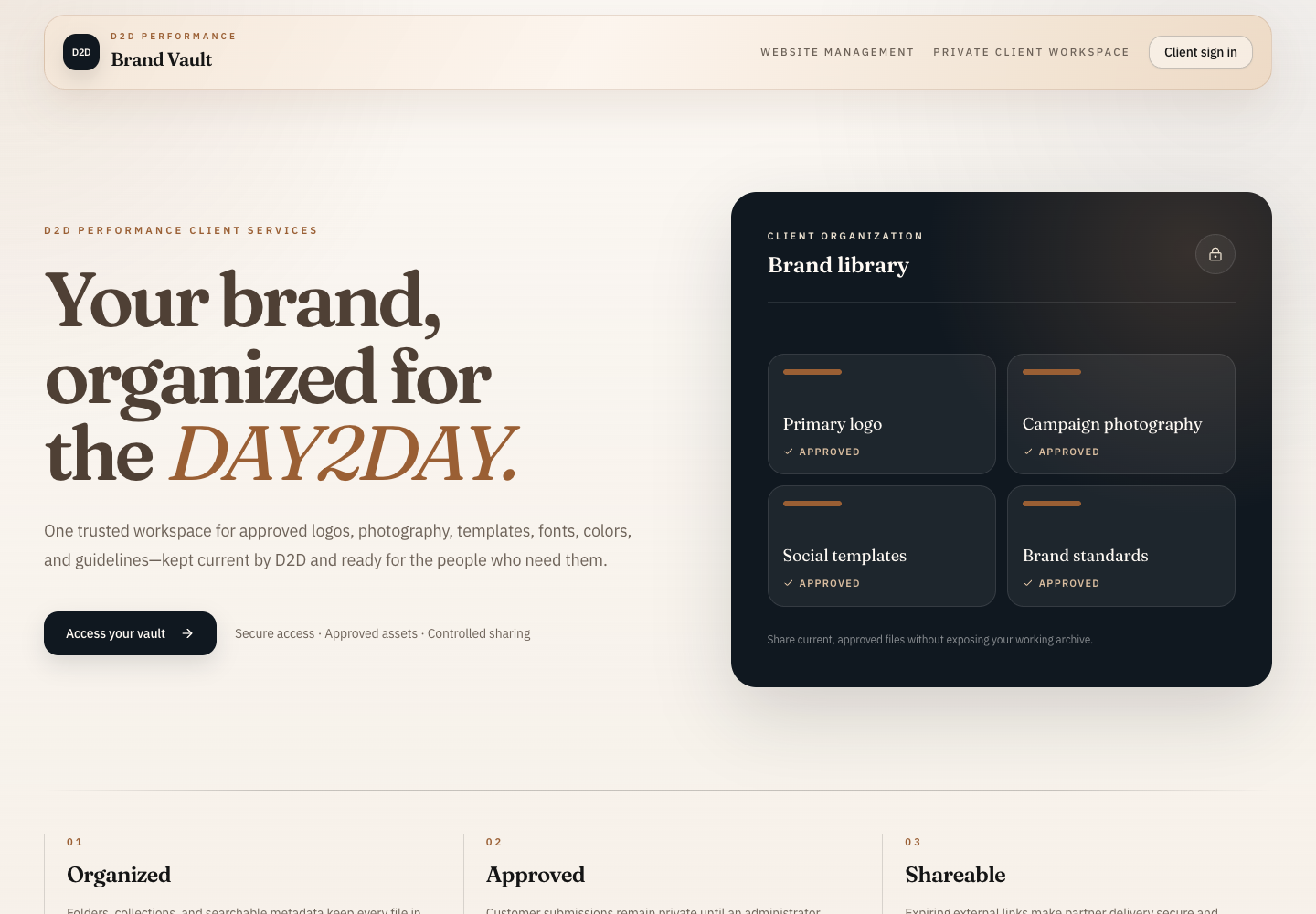
A secure working library for brand assets, guidelines, presentations, review status, versions, and controlled client sharing.
Asset repositoryApprovalsSecure sharing
View live site
d2dmktg.com08
D2D Marketing website shown in a browser window

Brand and marketing website

D2D Marketing

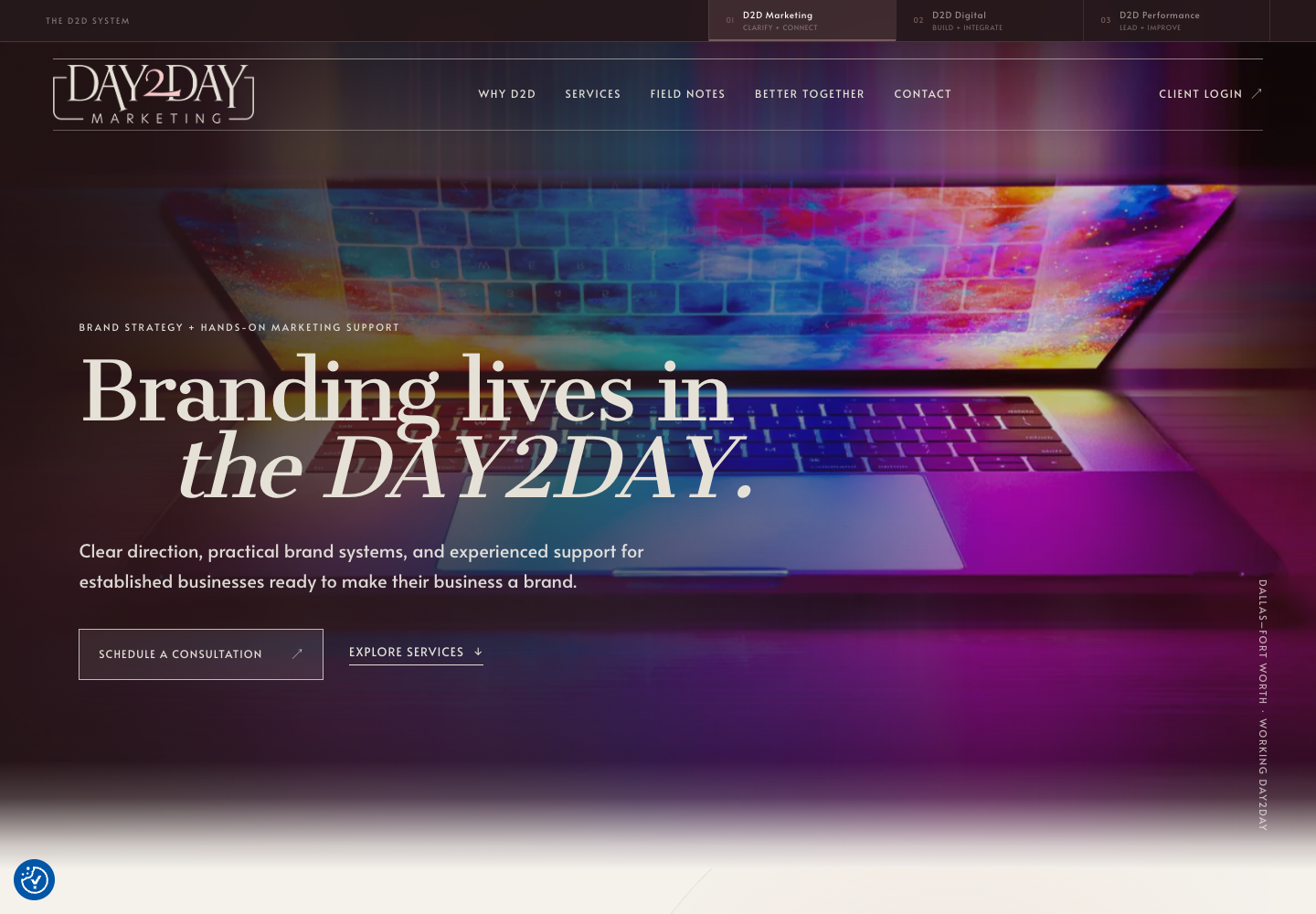
The public center of a larger system that connects marketing, brand discovery, quoting, client access, and digital delivery.
Brand systemLead pathsConnected services
View live site

Capability record

The larger body of work.

The websites are only the visible edge. Behind them is a growing set of customer, content, operations, reporting, and collaboration systems.

01
Connected platform

D2D Client System

Marketing, Digital, Performance, unified client access, Brand Vault, Site Manager, Brand Discovery, Quote Studio, and website review workflows.

02
Customer + operations platform

Artisan Lab Network

Public website, role-based portal, account dashboards, custom price lists, quote builder, rewards, optical calculators, and 3D lens visualization.

03
Website + project experience

Phoenix Builds

Brand website and an interactive owner-facing project portal with schedules, photography, safety, quality, documents, and weekly updates.

04
Healthcare content system

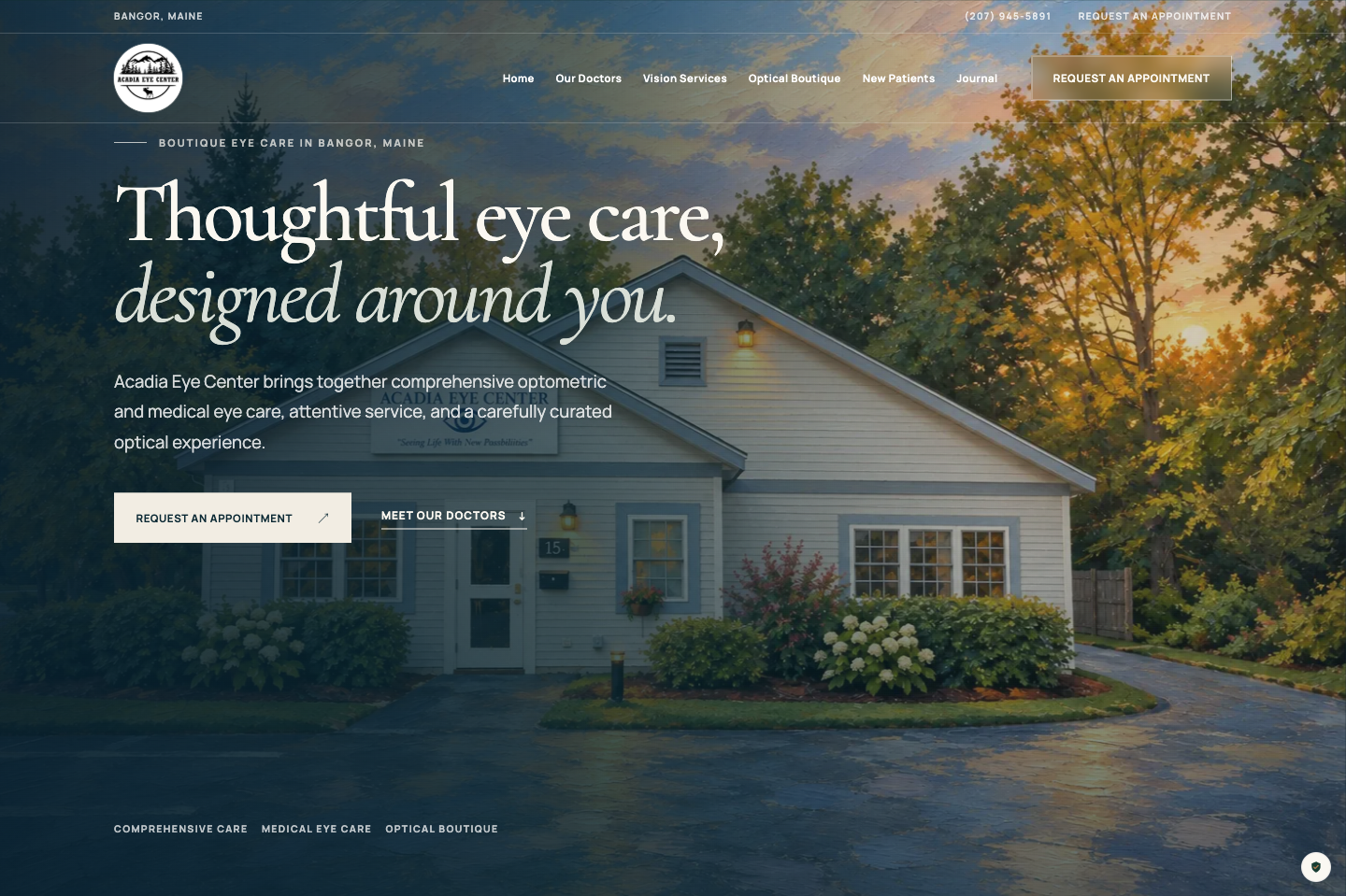
Acadia Eye

Patient-first website, provider and service architecture, appointment pathways, consent controls, local discovery, and managed content.

05
Marketing operations system

D2D Social

Campaign planning, creative production, approval gates, asset handling, and multichannel publishing workflows.

06
Community platform

Cart Convoy

A member and administrator experience for roster management, event planning, approvals, and secure access links.

How D2D thinks

Strategy in front.Technology in service.

01

Useful before flashy

The experience starts with the job it needs to do. Visual polish supports that job instead of getting in its way.

02

Clear before complex

Strong hierarchy, focused language, and sensible paths help people find what they need without a learning curve.

03

Built to keep working

Responsive layouts, accessible interaction, and maintainable systems make the work more durable after launch.

One connected practice

From page to platform.

The right solution might be a focused landing page, a complete website, a guided discovery, a client portal, or the system connecting all of them. We choose the smallest useful solution, then build it to grow.

Plan the right digital build
D2Dcore
Website
Content
Workflow
Optimize

Next build

Have a digital idea that needs to become real?

Bring the problem, the opportunity, or the rough sketch. We'll help you understand what to implement now, what to connect next, and how the system can support the work that happens every day.

Start a digital conversation